-->
Showing posts with label Office365. Show all posts

18/02/2020

Power Apps - Test Studio - Automation Testing

At last we got feature of automated testing, improving "Application Life Cycle Management" for Power Apps. (Watch in Full Screen)


In this post we will learn how we will use Test Studio for Power Apps.

26/09/2018

Microsoft Flow Basic Sharepoint Interactions

Objective: In this post we will look at basics of Microsoft Flow performing Sharepoint list operations.

We always drive our discussion based on a use-case. Below are the two scenarios we will consider for this post. 

1. Action based on a item creation or update
2. Action on list of items filtered from a list based on a condition. 


As i mentioned earlier, this is for Flow newbies with basic  Sharepoint interactions.

29/03/2017

Sharepoint Online Tabular Custom Search Display

         We know search is becoming sophisticated in newer versions of SharePoint. But still all clients are not fond of the OOTB search results display. So in this post we see how to transform Sharepoint Online search results into Tabular display using Display Control templates, Display item templates and Hover panel templates.

Note: We are dealing with "Search Results webpart" in this post, not the "Content search webpart" for search results display.

Objective: 
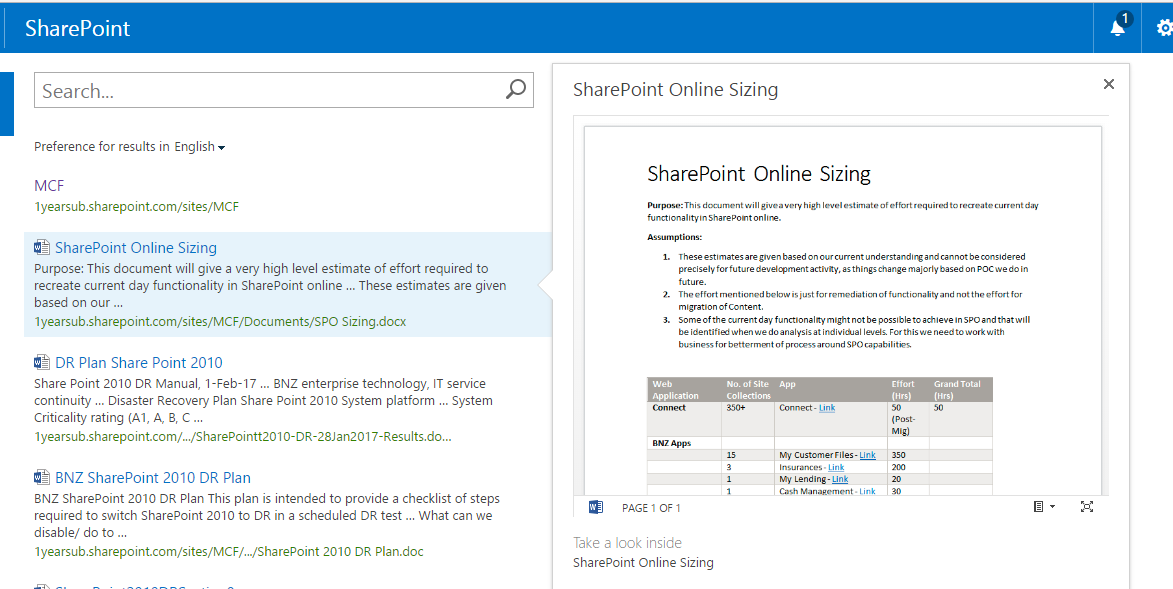
Transform this display

 into this display


It is my first try of doing this, and it is not a straight forward thing.

14/03/2017

SharePoint Online Search Basics

          If you are a SharePoint 2010 Developer and trying to figure out how search works in Sharepoint Online, this is for you. As i am one of you and like i said in my first post on my blog, the content is not to show what i know, but to share what i have learned.

         We will refer to 2010 concepts like "Managed Properties", "Content Sources", "Search Scopes", "Search Result webparts" and see how we going to achieve the same results in Sharepoint online.

        Before you jump into solutions / development, you should know how things were changed from SP2010 to SP Online. You (Admin) used to manage everything in Sharepoint On-Premises from Central Admin, but not in SP Online. Below image will depict what will be your responsibility as a Global administrator of your tenant.

        Looking at the Admin portal of your tenant, you may figure out that you cannot do everything you can do in SP2010 Central Admin.